Certificates of completion, one for every learner
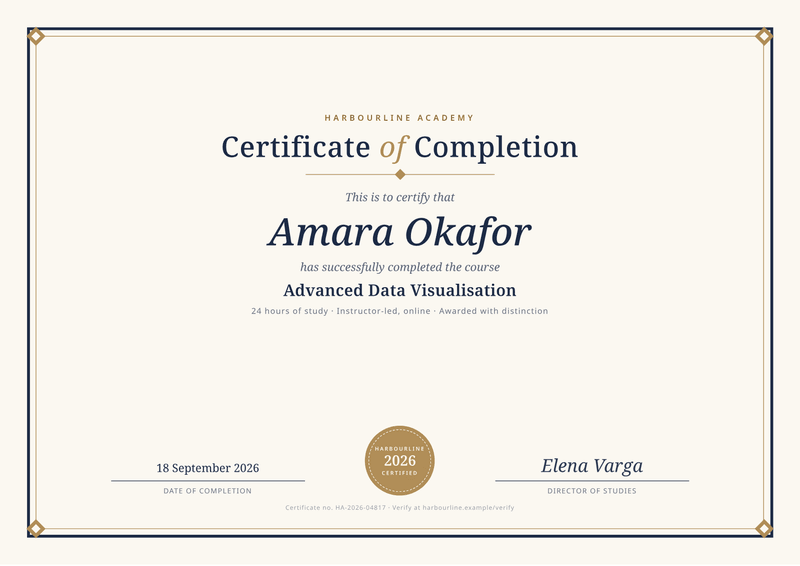
Every learner gets a certificate with their own name on it. The name, course, date and signature come from your data, inside a landscape design with a border and a seal.
Making them from your own data? Read the certificate generator guide.
- A4, landscape
- 1 page
- Free to start
What this certificate template is for
Use it to reward people who finish a course, a workshop or a training programme. It suits online course platforms, trainers, schools, event organisers and teams that run required training.
Each certificate shows the person’s name, the course title, the hours of study, the date and a signature. A certificate number and your checking address sit at the bottom.
CastPDF prints the number and the address you send. Checking a certificate later is up to your own website.
What a good certificate of completion includes
- The person’s name, spelled the way they want it.
- The course or programme title.
- The date it was completed.
- Who issued it: your organisation’s name, and a logo if you have one.
- A signature, with the signer’s name and role.
- A certificate number, so it can be checked later.
- Extra detail where it helps, such as hours of study or a grade.
The fields it fills
Each field fills one part of your certificate. Send new details and your certificate keeps its design, or change both.
| Field | What it fills |
|---|---|
| General | |
certificate_id | A unique certificate number. |
completed_on | The date the course was completed. |
| Issuer | |
issuer.name | Your organisation’s name. |
issuer.short | A short name for the seal. |
issuer.verify_url | Where people can check a certificate. |
| Recipient | |
recipient.name | The person’s name. |
| Course | |
course.title | The course title. |
course.hours | Hours of study. |
course.format | How it was taught. |
course.grade | A grade or distinction line. |
| Signatory | |
signatory.name | Who signs the certificate. |
signatory.title | Their role. |
How to make your certificate PDF
Two ways to get your certificate. Make one by hand in the dashboard today. Connect your app when you want every certificate made automatically.
No code: make it in the dashboard
- 1Sign up free. You don’t need a card.
- 2Pick the certificate template.
- 3Put your own details into the certificate’s sample data, and change the words and colours.
- 4Watch the free preview as you type. Every page carries a small “Preview” label.
- 5Verify your email and press Generate PDF for a clean copy. It counts as one PDF on your plan.
To make each certificate from your own app instead, send your data with a live key, as shown here.
Automatic: one request from your app
Copy the template ID from the editor. Save your certificate data in a file with that ID, then send it in one request. The reply is the finished PDF.
curl https://api.castpdf.com/v1/pdf \
  -H "Authorization: Bearer $CASTPDF_API_KEY" \
  -H "Content-Type: application/json" \
  -d @request.json \
--output certificate.pdf{
"template_id": "YOUR_TEMPLATE_ID",
"data": {
"certificate_id": "HA-2026-04817",
"completed_on": "2026-09-18",
"issuer": {
"name": "Harbourline Academy",
"short": "Harbourline",
"verify_url": "harbourline.example/verify"
},
"recipient": {
"name": "Amara Okafor"
},
"course": {
"title": "Advanced Data Visualisation",
"hours": 24,
"format": "Instructor-led, online",
"grade": "Awarded with distinction"
},
"signatory": {
"name": "Elena Varga",
"title": "Director of Studies"
}
}
}Make it yours
- Add your logo, and put your short name on the seal.
- Use a scanned signature as an image in place of the typed name.
- Change the border colour and the fonts.
- It is designed for A4 landscape. To change the size, change the page format in the template settings.
- Try a very long name in the sample data to see how it fits.
- Every save is a new version, and your last 50 versions are kept.
Making certificates for a whole class
The dashboard has no spreadsheet upload yet. Through the API, one batch request makes a certificate for each person in a list or a CSV file, and returns a ZIP; you can also send one request per person.
If your list is in a spreadsheet, save it as a CSV file. A short script can then read each row and send it to CastPDF.
Your plan sets how many you can make per minute: 30 a minute on the Free plan, and more on paid plans.
Questions about certificate PDFs
How do I generate certificates from a spreadsheet?
How do I make certificates in bulk?
What should a certificate of completion include?
How do I send certificates automatically when someone finishes a course?
Can I add a signature image and a logo?
What size is a certificate?
You might also need
Event ticket
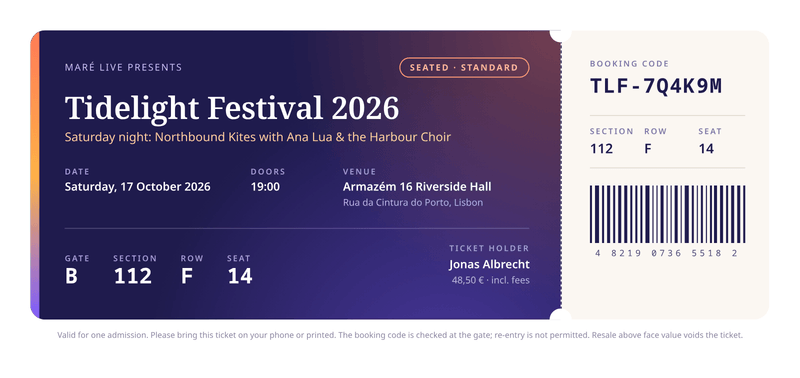
210 × 99 mmA printable ticket with seating details and a tear-off stub.
Sales report
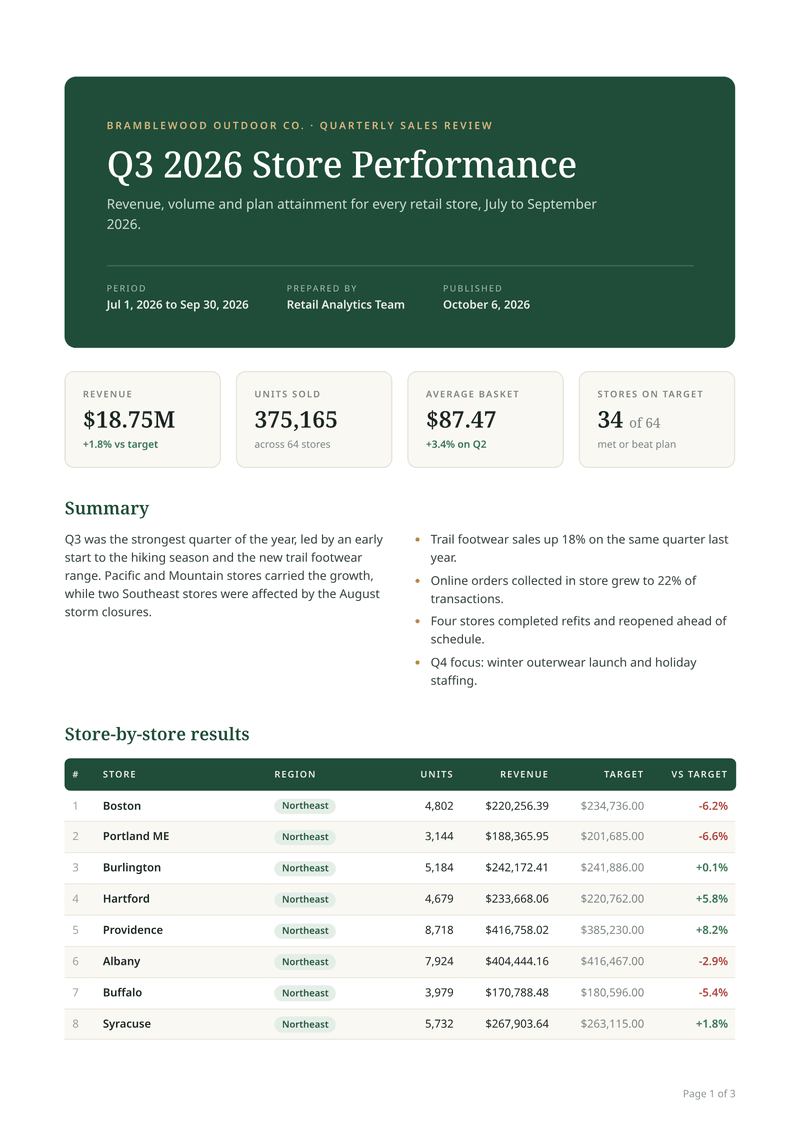
A4, portraitA multi-page report where every page has its header and page number.
Make your first certificate PDF
Sign up free and this template is ready for you. Add your logo and details, and download your first certificate in minutes. You get 100 free PDFs every month, and you don’t need a card.