PDF templates ready for your data
Six free templates for everyday business documents. Pick one, fill it with your own data, and get a print-ready PDF every time.
Pick a template
Each preview is page one of a real PDF, made by CastPDF from the template’s sample data.
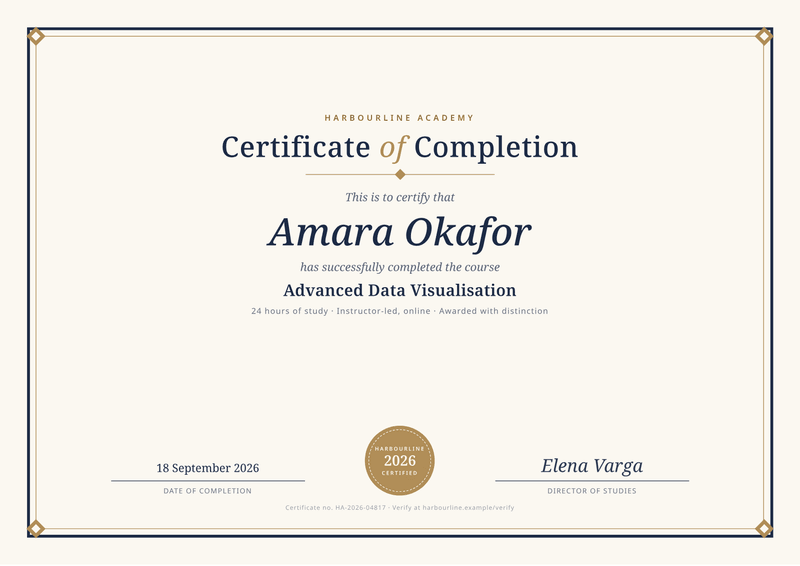
Certificate
A4, landscapeReward people who finish a course, with their name and date.
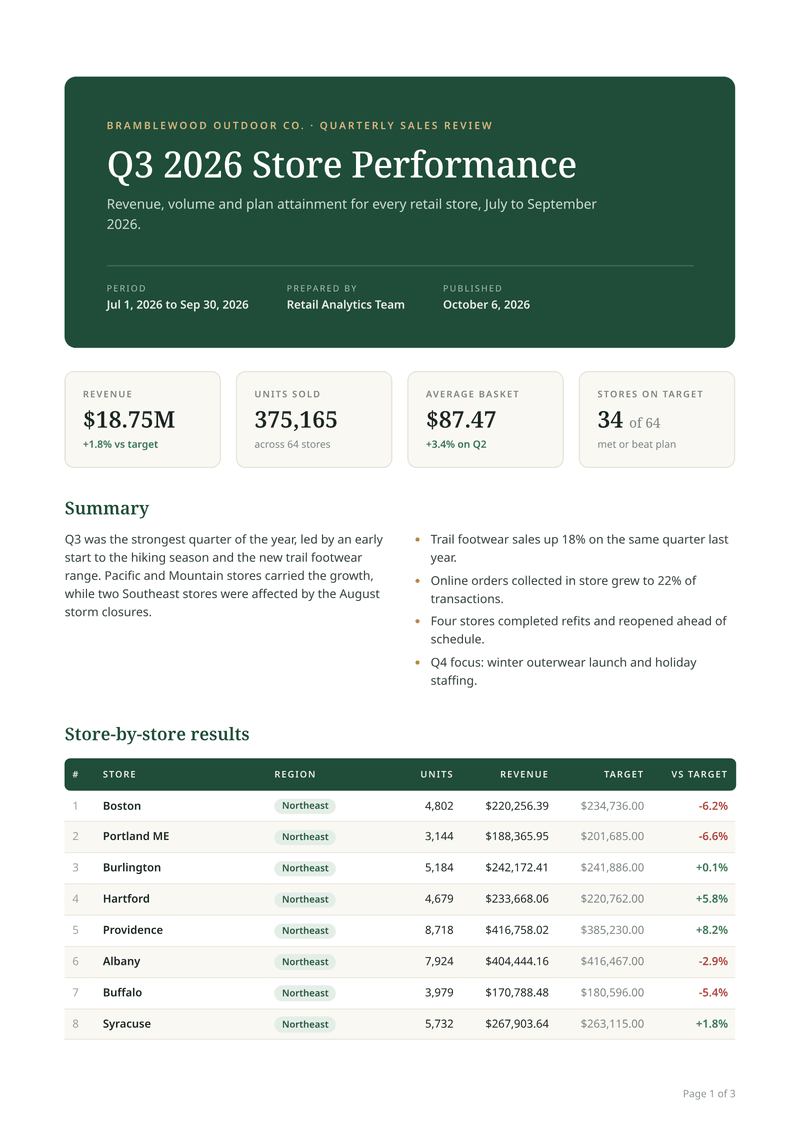
Sales report
A4, portraitA multi-page report with key figures and a long table.
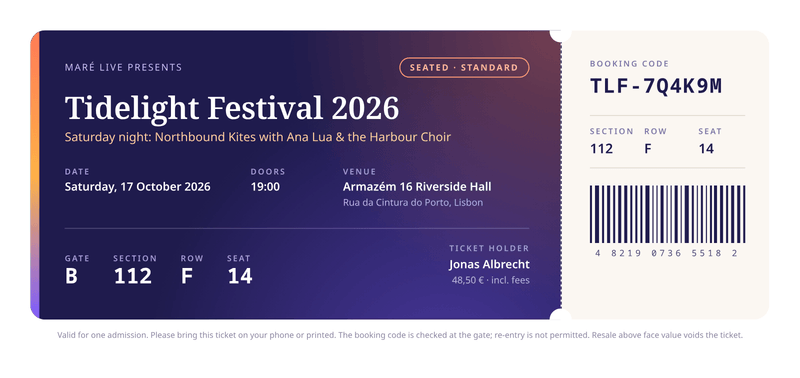
Event ticket
210 × 99 mmA printable ticket with seating details and a tear-off stub.
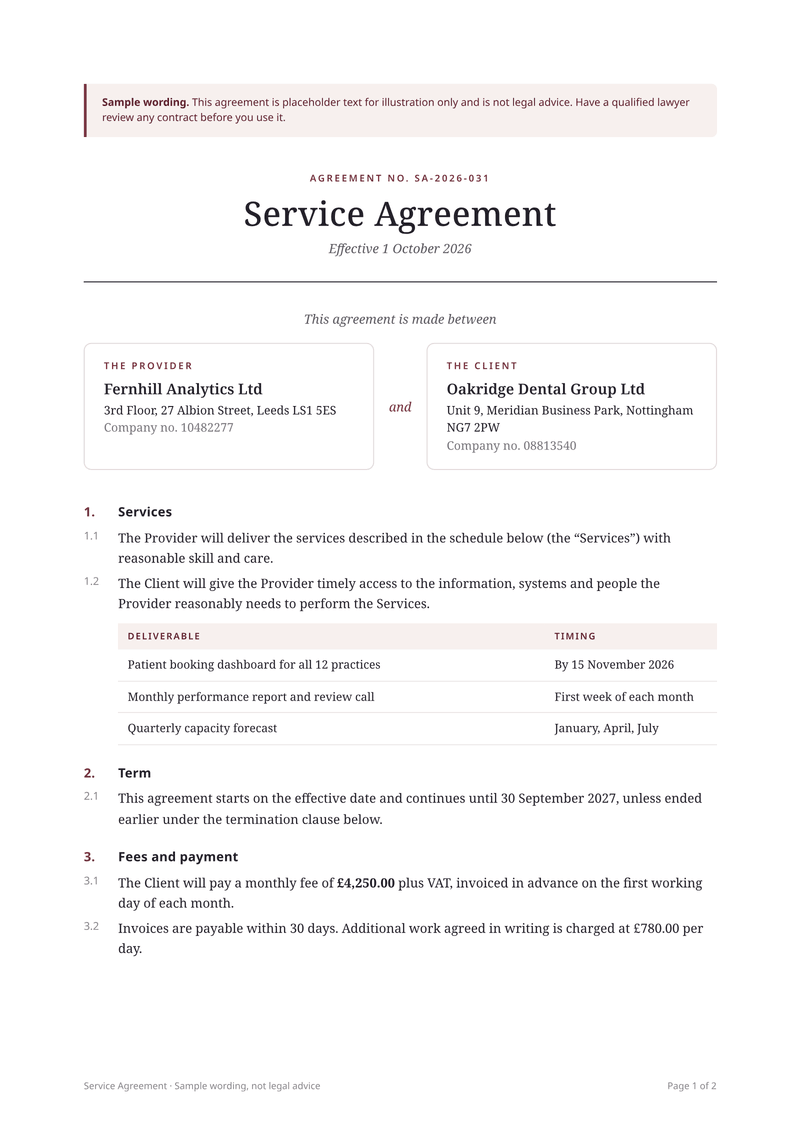
Service agreement
A4, portraitA service agreement filled with each client’s details.
How templates work
A template is a document with fill-in fields. You design it once. Then every set of data you send becomes a new PDF.
1Pick a template
Start from one of the six below. Each one is a real document, made by CastPDF from sample data.
2Make it yours
Change the words, colours and fonts in the editor. The live preview shows every change as you type.
3Send your data
Your app sends the details that change, such as names and prices. A finished PDF comes back.
Which template should you pick?
Start from the one closest to your document. You can change everything later, so there is no wrong choice.
Not sure yet? Open a template’s page to see the fields it fills, the sample data and the questions people ask about that kind of document.
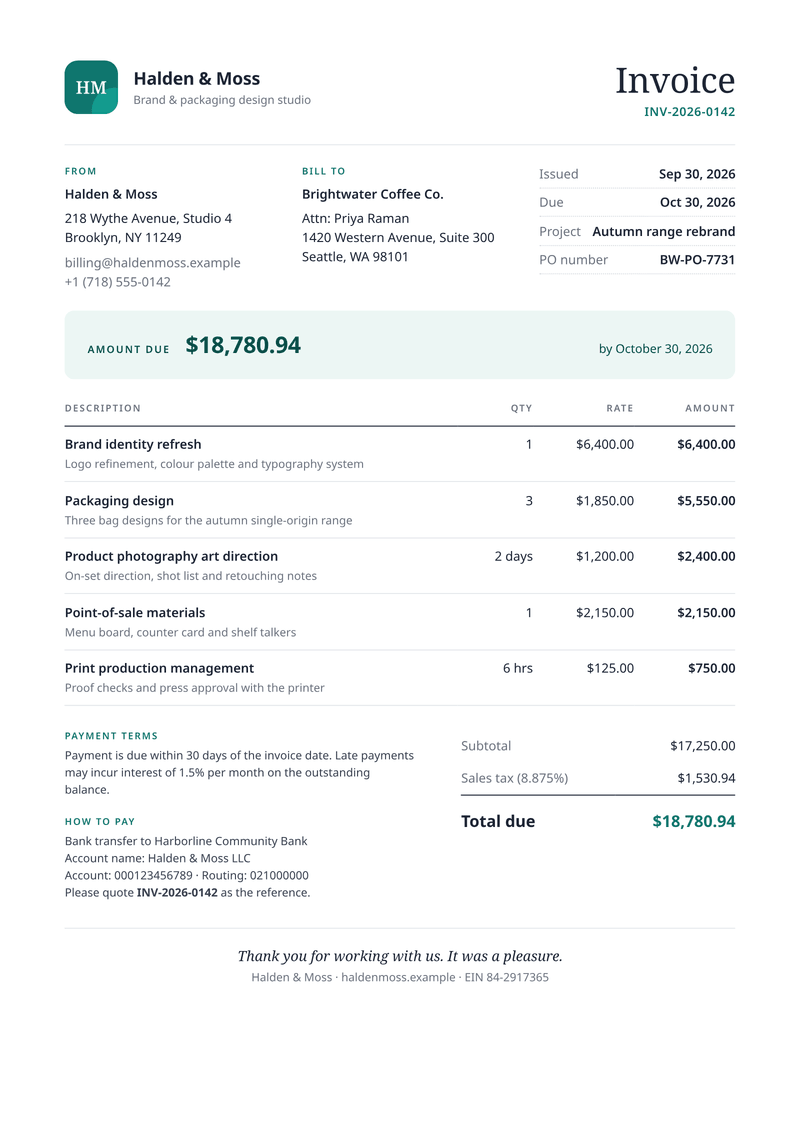
- InvoiceYou ask customers to pay for work or goods.
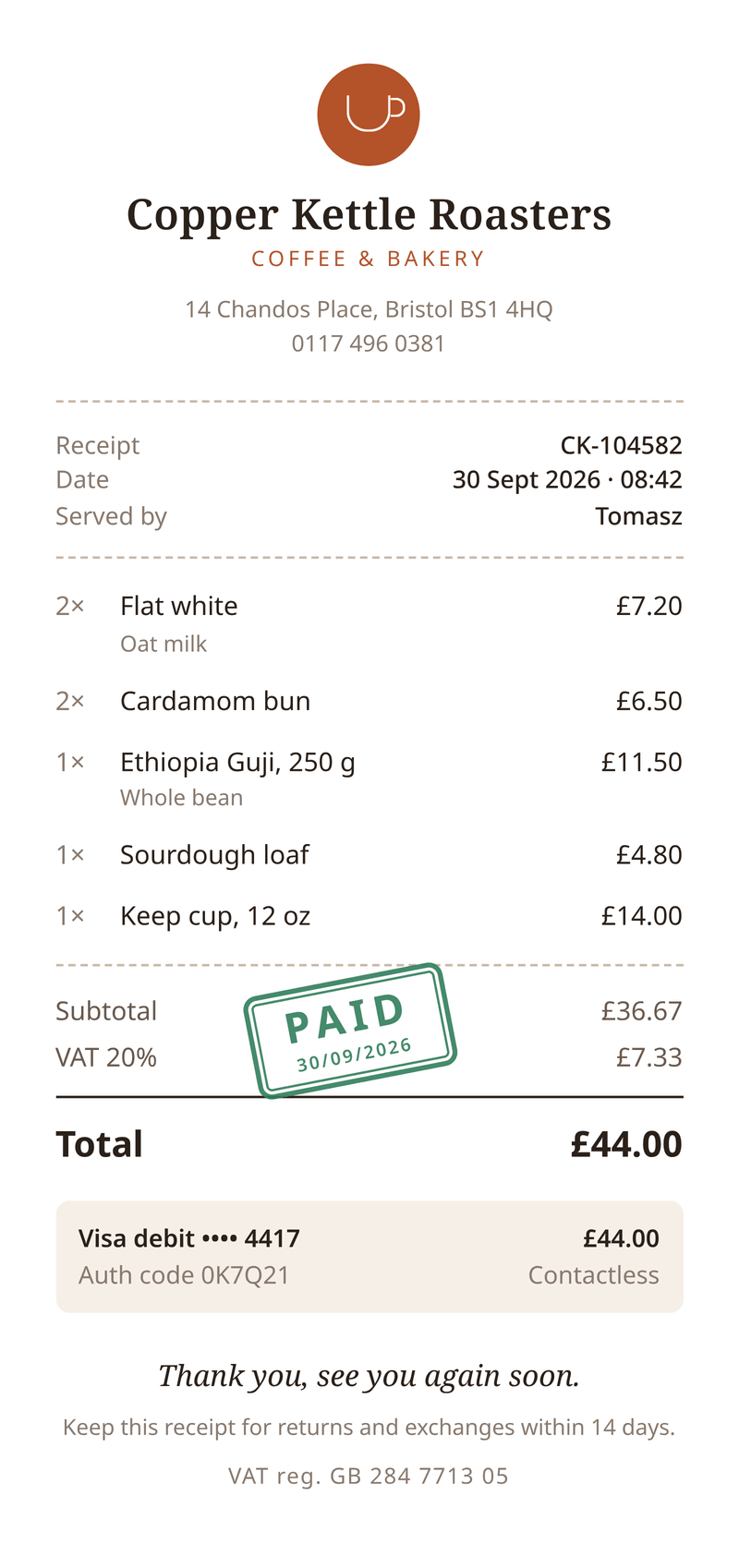
- ReceiptA customer has already paid and needs proof of it.
- CertificateSomeone finished a course, a workshop or a training.
- Sales reportYou send the same figures to people every month or quarter.
- Event ticketYou run an event and people book places at it.
- Service agreementYou send the same agreement to many clients.
Change anything
Every template is made of HTML and CSS, the same code as a web page. If you know a little of it, you can change anything: the layout, the fonts, the page size.
If you don’t, you can still change the words and colours in the editor, and try your own details in the sample data. Every save is a new version, and your last 50 versions are kept.
Don’t see your document?
Start from a blank template and build your own, or adapt the closest one here. Most documents are a close cousin of an invoice, a report or a letter.
Or tell us what you need. It helps us decide which templates to add next.
Make your first PDF in minutes
Pick a template, add your data and download the result. The Free plan includes 100 PDFs a month, and you don’t need a card.