Your contract, filled in for every client
Write your agreement once. After that, each client’s name, fees, dates and deliverables are filled in for you, and you get a ready-to-sign PDF. Clauses and pages number themselves.
Making them from your own data? Read how the PDF generation API works or the contract PDF generator page.
- A4, portrait
- 2 pages in the sample
- Free to start
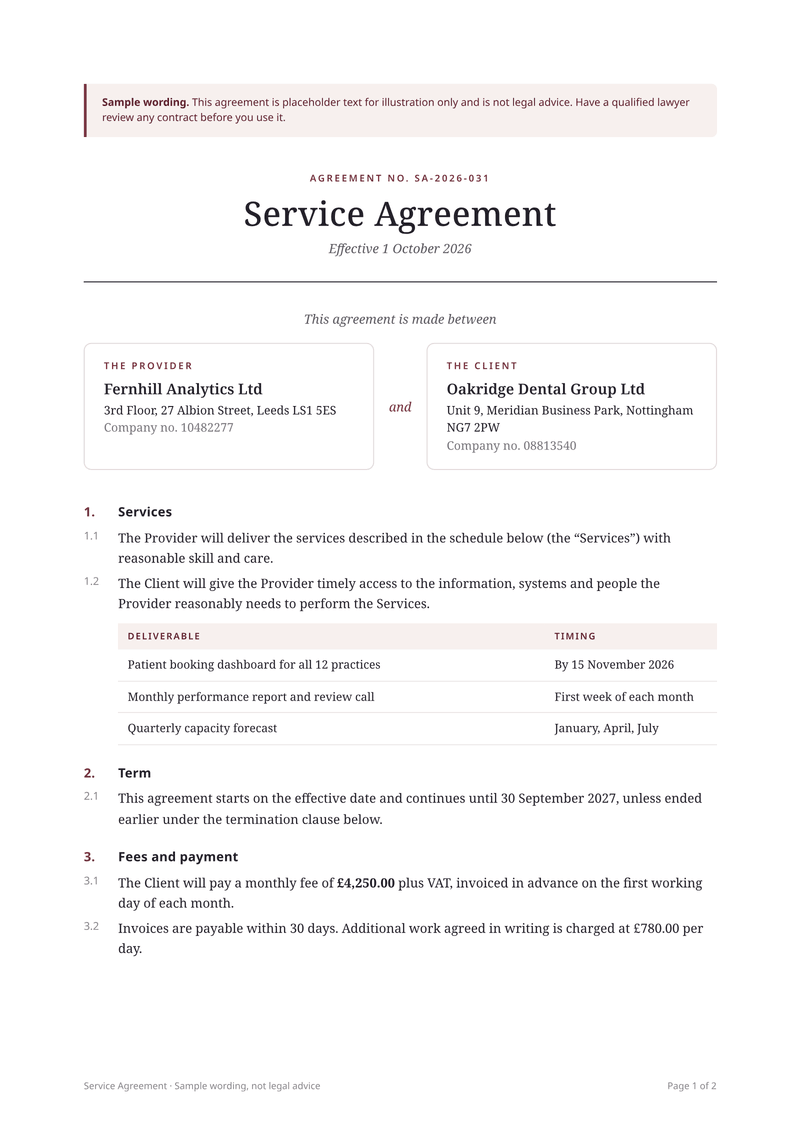
What this contract template is for
Use it when you send the same kind of agreement to many clients. It suits agencies, consultants, freelancers and software companies that sign service agreements often.
It works best with a contract you already have. Put your own wording in the template once. After that, each new agreement is filled with the client’s name, address, fees, dates and deliverables.
The wording in the sample is an example only, not legal advice. Have a lawyer check it, or use your own contract text.
What a good service agreement includes
- Who the parties are, with their legal names and addresses.
- What will be delivered, and when.
- The fees, and when they are due.
- How long the agreement lasts, and how either side can end it.
- Confidentiality, and who owns the work.
- Which country’s law applies.
- Signature blocks for both parties.
The fields it fills
Each field fills one part of your service agreement. Send new details and your service agreement keeps its design, or change both.
| Field | What it fills |
|---|---|
| General | |
currency | Currency for the fees, such as GBP. |
locale | How amounts are written, such as en-GB. |
| Agreement | |
agreement.number | The agreement number. |
agreement.effective | The start date. |
agreement.end | The end date. |
agreement.notice_days | Days of notice to end it. |
agreement.governing_law | Which country’s law applies. |
| Provider | |
provider.name | Your company’s legal name. |
provider.address | Your registered address. |
provider.company_number | Your company number. |
| Client | |
client.name | The client’s legal name. |
client.address | The client’s address. |
client.company_number | The client’s company number. |
| Fees | |
fees.monthly | The monthly fee. |
fees.day_rate | The rate for extra days. |
fees.payment_days | Days the client has to pay. |
| Deliverables | |
deliverables[].name | What you will deliver. |
deliverables[].timing | When it is due. |
| Signers | |
signers[].party | The party signing. |
signers[].name | The signer’s name. |
signers[].title | The signer’s role. |
How to make your service agreement PDF
Two ways to get your service agreement. Make one by hand in the dashboard today. Connect your app when you want every service agreement made automatically.
No code: make it in the dashboard
- 1Sign up free. You don’t need a card.
- 2Pick the service agreement template.
- 3Put your own details into the service agreement’s sample data, and change the words and colours.
- 4Watch the free preview as you type. Every page carries a small “Preview” label.
- 5Verify your email and press Generate PDF for a clean copy. It counts as one PDF on your plan.
To make each service agreement from your own app instead, send your data with a live key, as shown here.
Automatic: one request from your app
Copy the template ID from the editor. Save your service agreement data in a file with that ID, then send it in one request. The reply is the finished PDF.
curl https://api.castpdf.com/v1/pdf \
  -H "Authorization: Bearer $CASTPDF_API_KEY" \
  -H "Content-Type: application/json" \
  -d @request.json \
--output contract.pdf{
"template_id": "YOUR_TEMPLATE_ID",
"data": {
"currency": "GBP",
"locale": "en-GB",
"agreement": {
"number": "SA-2026-031",
"effective": "2026-10-01",
"end": "2027-09-30",
"notice_days": 30,
"governing_law": "England and Wales"
},
"provider": {
"name": "Fernhill Analytics Ltd",
"address": "3rd Floor, 27 Albion Street, Leeds LS1 5ES",
"company_number": "10482277"
},
"client": {
"name": "Oakridge Dental Group Ltd",
"address": "Unit 9, Meridian Business Park, Nottingham NG7 2PW",
"company_number": "08813540"
},
"fees": {
"monthly": 4250,
"day_rate": 780,
"payment_days": 30
},
"deliverables": [
{
"name": "Patient booking dashboard for all 12 practices",
"timing": "By 15 November 2026"
},
{
"name": "Monthly performance report and review call",
"timing": "First week of each month"
},
{
"name": "Quarterly capacity forecast",
"timing": "January, April, July"
}
],
"signers": [
{
"party": "Fernhill Analytics Ltd",
"name": "Hannah Whitcombe",
"title": "Managing Director"
},
{
"party": "Oakridge Dental Group Ltd",
"name": "Rajesh Menon",
"title": "Chief Operating Officer"
}
]
}
}Make it yours
- Replace the sample clauses with your own contract wording.
- Add or remove clauses. The numbers update by themselves.
- Add your logo and change the fonts.
- Add fields such as a project name or a start fee to your data.
- Every save is a new version, and your last 50 versions are kept.
Numbered pages and clauses
Every page shows “Page 1 of 2” at the bottom, so a printed copy is easy to check. Clauses are numbered for you.
The signature blocks are kept together on one page where possible.
Questions about service agreement PDFs
How do I create a contract PDF?
What should a service agreement include?
Is a PDF contract legally binding?
Can I fill a contract template with each client’s details automatically?
Can clients sign it electronically?
Can I number the clauses and pages?
You might also need
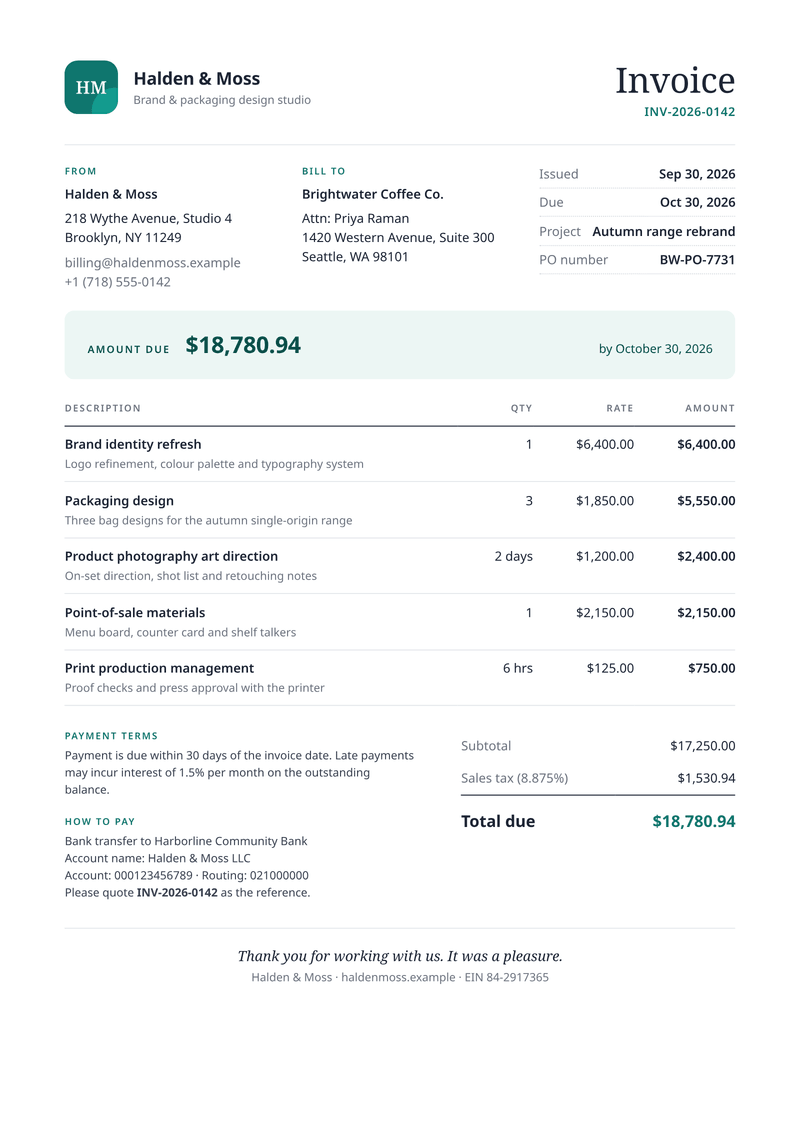
Invoice
A4, portraitGet paid faster: discounts, VAT per line and totals worked out for you.
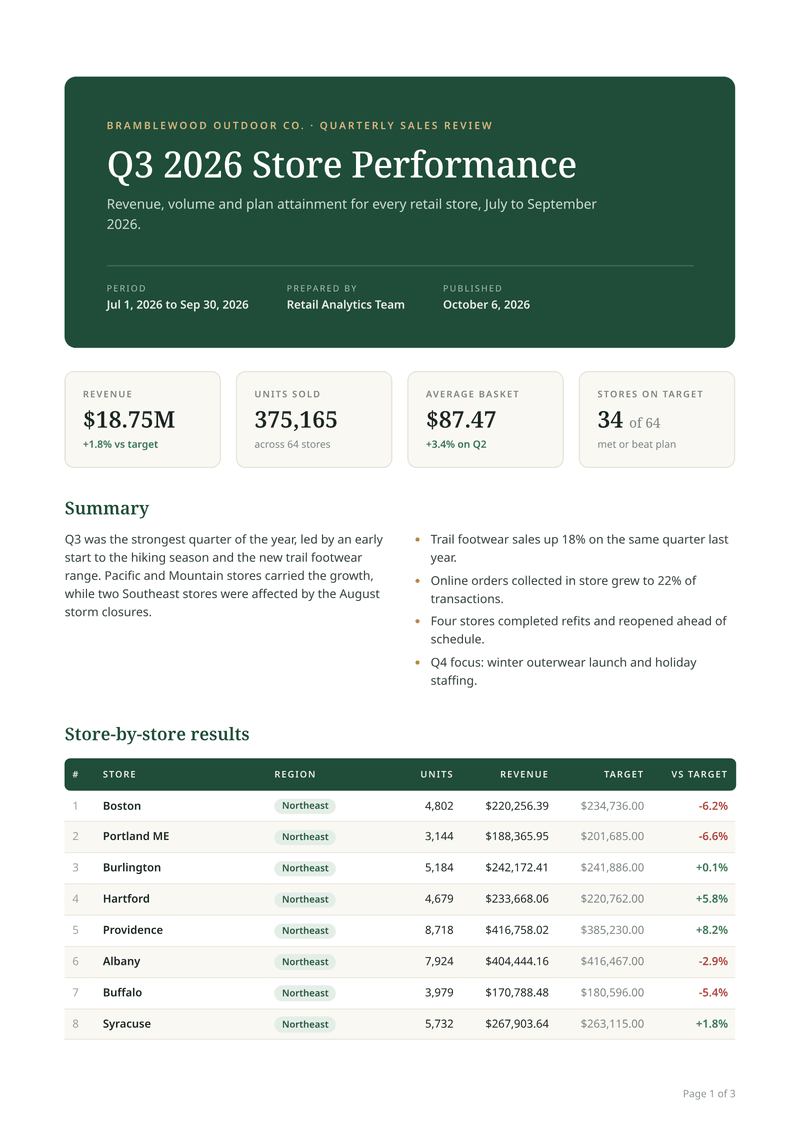
Sales report
A4, portraitA multi-page report where every page has its header and page number.
Make your first service agreement PDF
Sign up free and this template is ready for you. Add your logo and details, and download your first service agreement in minutes. You get 100 free PDFs every month, and you don’t need a card.