A receipt for every sale, automatically
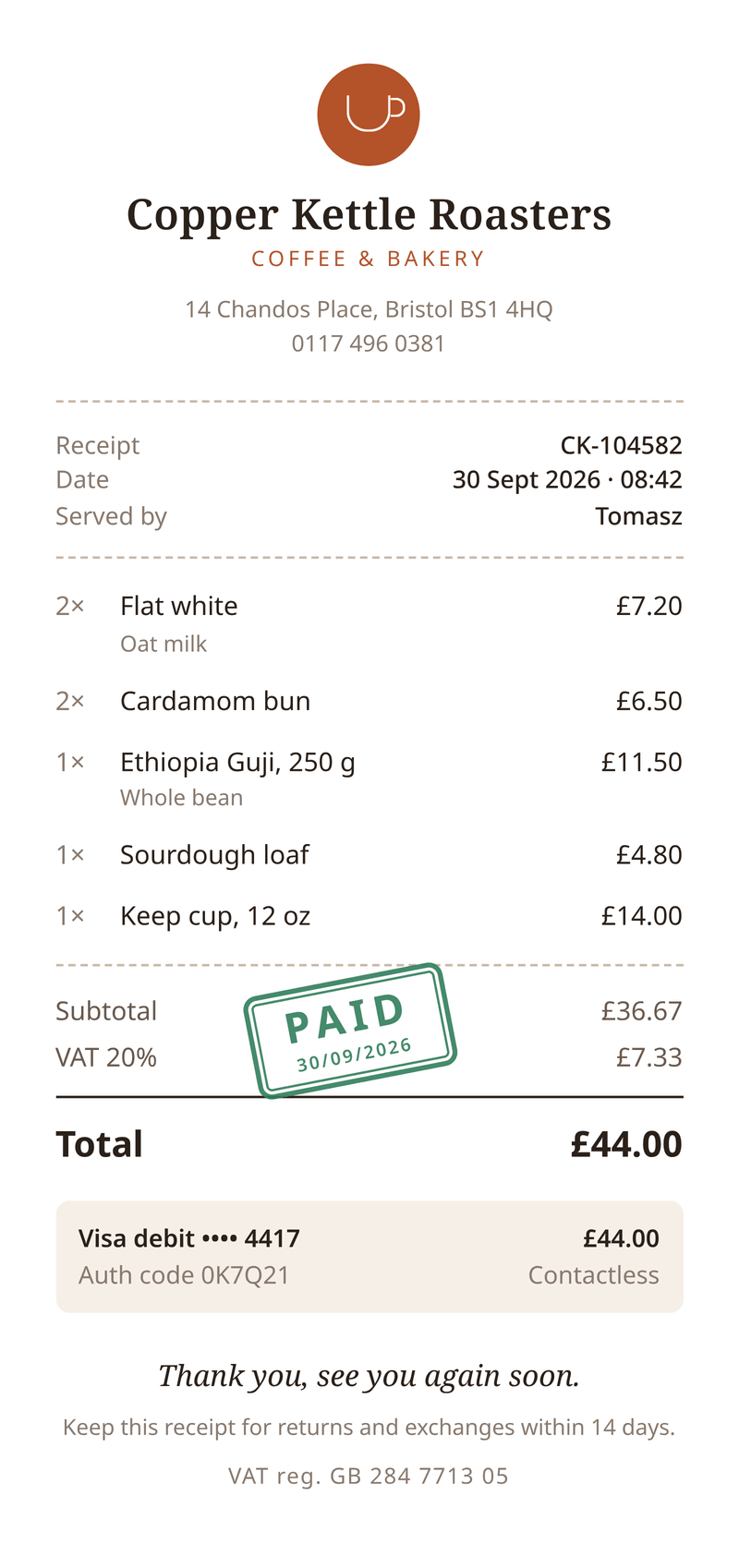
Every customer gets a proper receipt, without you lifting a finger. It lists what they bought, shows the VAT and the total, and carries a paid stamp. Made for your own shop, café or online store.
Making them from your own data? Read the invoice PDF API guide or the receipt PDF generator page.
- 80 × 170 mm
- 1 page
- Free to start
What this receipt template is for
Use it to send each customer a receipt after a sale, with your business details. It suits cafés, small shops, online stores and anyone who takes payment on the spot.
The receipt has the shape of a till slip, 80 mm wide. It reads well on a phone and prints on narrow paper. Prices include VAT, and the template works out the net amount and the VAT for you.
It is made for real sales in your own business. Always use your own shop’s name and details.
What a good receipt includes
- Your business name and address, so the customer knows who they paid.
- A receipt number, and the date and time of the sale.
- Each item bought, with the quantity and the price.
- The total paid, and the tax included in it.
- How the customer paid, such as card or cash.
- Your VAT or tax number, if you are registered.
- Your returns policy, if you have one.
The fields it fills
Each field fills one part of your receipt. Send new details and your receipt keeps its design, or change both.
| Field | What it fills |
|---|---|
| General | |
currency | Currency for every amount, such as GBP. |
locale | How amounts are written, such as en-GB. |
| Shop | |
shop.name | Your shop’s name. |
shop.tagline | A short line under the name. |
shop.street | Your street address. |
shop.city | Your city and postcode. |
shop.phone | Your phone number. |
shop.vat_number | Your VAT registration number. |
| Receipt | |
receipt.number | The receipt number. |
receipt.date | The date of the sale. |
receipt.time | The time of the sale. |
receipt.served_by | Who served the customer. |
receipt.vat_rate | The VAT rate, in percent. |
receipt.thanks | A thank-you line. |
receipt.returns | Your returns policy. |
| Payment | |
payment.method | How the customer paid. |
payment.auth_code | The card payment’s code. |
| Items | |
items[].name | What was bought. |
items[].note | A short note, such as oat milk (optional). |
items[].quantity | How many. |
items[].price | The price of one, VAT included. |
How to make your receipt PDF
Two ways to get your receipt. Make one by hand in the dashboard today. Connect your app when you want every receipt made automatically.
No code: make it in the dashboard
- 1Sign up free. You don’t need a card.
- 2Pick the receipt template.
- 3Put your own details into the receipt’s sample data, and change the words and colours.
- 4Watch the free preview as you type. Every page carries a small “Preview” label.
- 5Verify your email and press Generate PDF for a clean copy. It counts as one PDF on your plan.
To make each receipt from your own app instead, send your data with a live key, as shown here.
Automatic: one request from your app
Copy the template ID from the editor. Save your receipt data in a file with that ID, then send it in one request. The reply is the finished PDF.
curl https://api.castpdf.com/v1/pdf \
  -H "Authorization: Bearer $CASTPDF_API_KEY" \
  -H "Content-Type: application/json" \
  -d @request.json \
--output receipt.pdf{
"template_id": "YOUR_TEMPLATE_ID",
"data": {
"currency": "GBP",
"locale": "en-GB",
"shop": {
"name": "Copper Kettle Roasters",
"tagline": "Coffee & bakery",
"street": "14 Chandos Place",
"city": "Bristol BS1 4HQ",
"phone": "0117 496 0381",
"vat_number": "GB 284 7713 05"
},
"receipt": {
"number": "CK-104582",
"date": "2026-09-30",
"time": "08:42",
"served_by": "Tomasz",
"vat_rate": 20,
"thanks": "Thank you, see you again soon.",
"returns": "Keep this receipt for returns and exchanges within 14 days."
},
"payment": {
"method": "Visa debit •••• 4417",
"auth_code": "0K7Q21"
},
"items": [
{
"name": "Flat white",
"note": "Oat milk",
"quantity": 2,
"price": 3.6
},
{
"name": "Cardamom bun",
"quantity": 2,
"price": 3.25
},
{
"name": "Ethiopia Guji, 250 g",
"note": "Whole bean",
"quantity": 1,
"price": 11.5
},
{
"name": "Sourdough loaf",
"quantity": 1,
"price": 4.8
},
{
"name": "Keep cup, 12 oz",
"quantity": 1,
"price": 14
}
]
}
}Make it yours
- Put your logo in place of the round mark at the top.
- Change the colours and fonts to match your brand.
- It is designed for an 80 × 170 mm page. To change the size, change the page format in the template settings.
- Remove the VAT lines if you are not registered for VAT.
- Change the thank-you line and the returns note in your data.
- Every save is a new version, and your last 50 versions are kept.
Sized like a real receipt
The page is 80 mm wide and 170 mm tall, the size of a long till slip. It looks right on a phone and prints well on narrow paper.
A long order simply carries on to a second page. If most of your orders are long, make the page taller in the template settings.
Questions about receipt PDFs
What must a receipt include?
What is the difference between a receipt and an invoice?
Is a PDF receipt valid?
How do I make a receipt PDF?
How do I send a receipt automatically after each sale?
Can I show VAT or sales tax on the receipt?
You might also need
Invoice
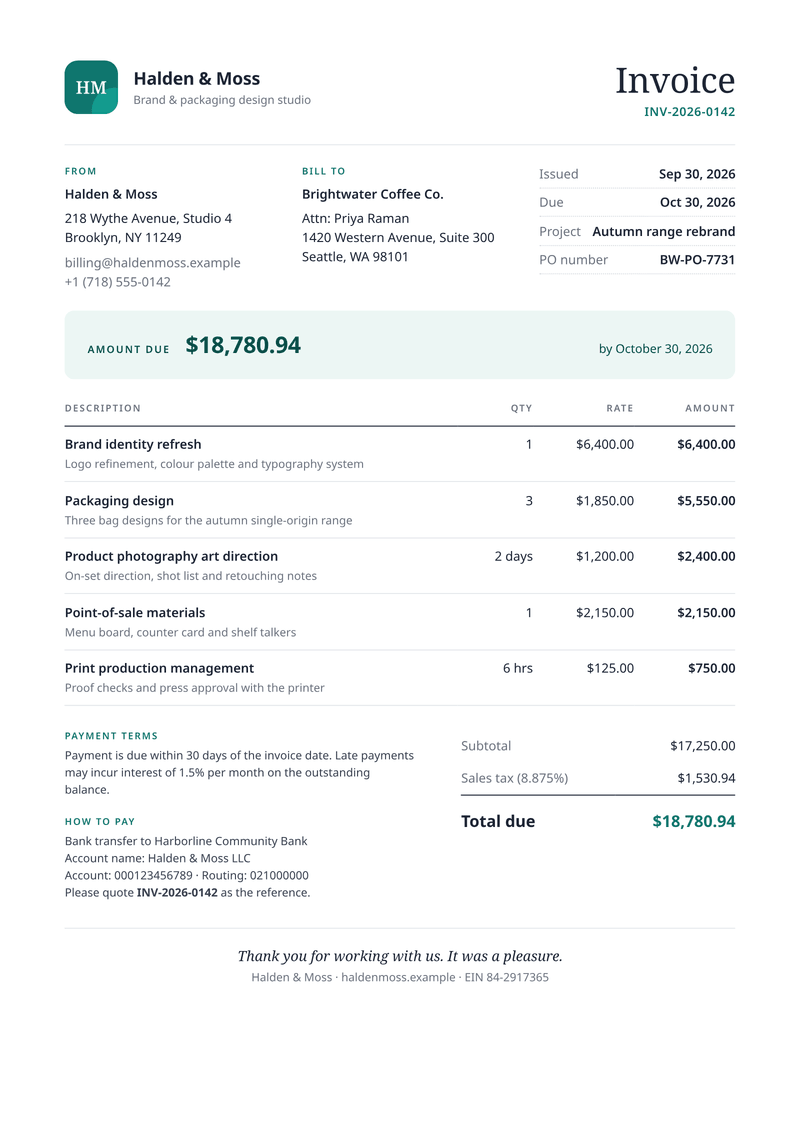
A4, portraitGet paid faster: discounts, VAT per line and totals worked out for you.
Event ticket
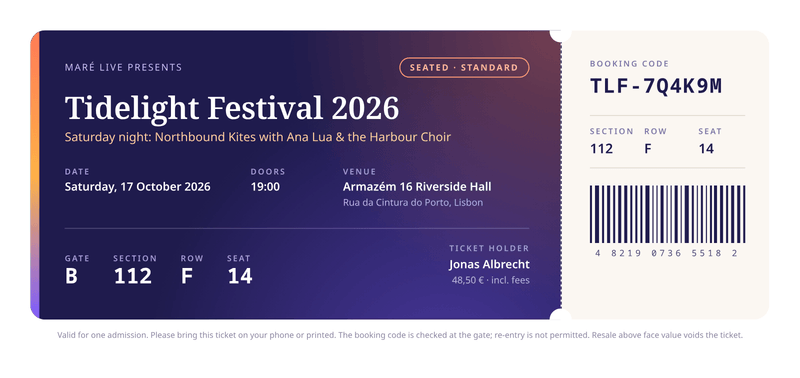
210 × 99 mmA printable ticket with seating details and a tear-off stub.
Make your first receipt PDF
Sign up free and this template is ready for you. Add your logo and details, and download your first receipt in minutes. You get 100 free PDFs every month, and you don’t need a card.