What is inside the proforma invoice template
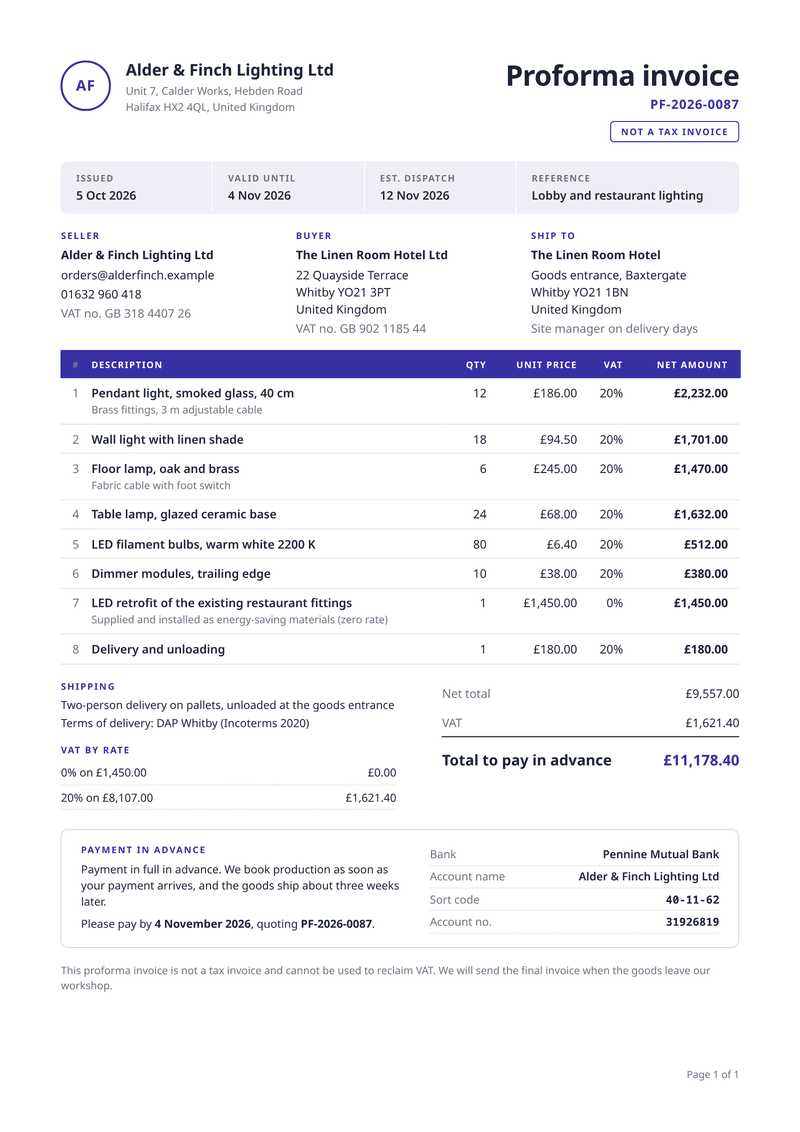
- Not a tax invoice. A badge under the number tells the buyer this is an advance document, not the final invoice.
- Key dates. The issue date, the last day of the offer and the planned dispatch, side by side.
- Seller, buyer, ship to. Three address blocks, so the delivery site can differ from the billing address.
- Lines with VAT. Quantity, unit price and VAT rate for every line, each amount worked out.
- VAT by rate and total. The VAT for each rate and the total to pay before dispatch.
- Payment in advance. Your bank details, the pay-by date and the reference to quote.
What this proforma invoice template is for
A proforma invoice is a price document you send before a sale is final. The buyer uses it to approve the spend, pay in advance or prepare an import. Wholesalers, makers and exporters send them all the time.
This template lists each item with its quantity, unit price and VAT rate. It adds up the VAT for every rate and prints the sum the buyer should pay before dispatch. A valid-until date and your bank details sit on the same page.
A badge near the number says it is not a tax invoice. When the goods ship, you send the real invoice, and our invoice template covers that step.
What a good proforma invoice includes
- The words "Proforma invoice" and a clear note that it is not a tax invoice.
- A reference number, the date of issue and the date the offer ends.
- The seller, the buyer and, if different, the delivery address.
- Every item with its quantity, price and VAT rate.
- The amount to pay, with the VAT for each rate.
- Delivery terms when goods cross a border, such as the Incoterms rule.
- How to pay, and by which date.
The fields it fills
Each field fills one part of your proforma invoice. Send new details and the proforma invoice keeps its design. Leave out an optional field and its line simply disappears.
| Field | What it fills |
|---|---|
| General | |
currency | Currency for every amount, such as GBP or EUR. |
locale | How numbers and dates are written, such as en-GB. |
| Seller | |
seller.name | Your business name (your brand settings win). |
seller.initials | The letters in the round mark, when you have no logo. |
seller.address | Your address, one line per line. |
seller.email | Where buyers send questions about the order. |
seller.phone | Your phone number (optional). |
seller.tax_id | Your VAT number. |
| Buyer | |
buyer.name | The buyer’s business name. |
buyer.address | The buyer’s billing address. |
buyer.tax_id | The buyer’s VAT number (optional). |
| Ship to | |
ship_to.name | Who receives the goods. |
ship_to.address | Where the goods go, if not the billing address. |
ship_to.contact | A contact or note for the delivery (optional). |
| Proforma | |
proforma.number | The proforma number. |
proforma.issued | The date you send it. |
proforma.valid_until | The last day the prices stand, also the pay-by date. |
proforma.reference | The buyer’s project or request (optional). |
proforma.note | The line at the bottom, such as the not-a-tax-invoice note. |
| Shipping | |
shipping.method | How the goods travel (optional). |
shipping.incoterms | The delivery terms, such as DAP and a place (optional). |
shipping.est_dispatch | When the goods should leave (optional). |
| Payment | |
payment.terms | Your terms for paying in advance. |
payment.bank | Your bank’s name. |
payment.account_name | The name on your account. |
payment.sort_code | Your sort code (or swap in an IBAN). |
payment.account_number | Your account number. |
| Items | |
items[].description | What the buyer will get, one line each. |
items[].detail | A short note under the line (optional). |
items[].quantity | How many. |
items[].unit_price | The price of one, before VAT. |
items[].vat_rate | The VAT rate of the line, in percent. |
Make it automatically
Use the template in the dashboard once, then let your systems fill it. Every way below uses the same template, so a change to the design shows up everywhere.
From your app, with the API
One request per proforma invoice: the template id and your data in, the finished PDF out. Add deliver.email and CastPDF emails it too. The PDF endpoint.
From a spreadsheet
Upload a CSV or XLSX file with one row per order. One batch makes every PDF and hands them back in one ZIP. PDFs from a spreadsheet.
In a no-code workflow
- CastPDF node for n8nAvailable
- Zapier appIn review
- Make appIn review
- Any tool that can send a web request
One request from your app
Copy the template id from the editor and save it with your data in request.json. Then send the file. The reply is the finished PDF.
curl https://api.castpdf.com/v1/pdf \
  -H "Authorization: Bearer $CASTPDF_API_KEY" \
  -H "Content-Type: application/json" \
  -d @request.json \
  --output proforma-invoice.pdf
import { readFile, writeFile } from 'node:fs/promises';
const res = await fetch('https://api.castpdf.com/v1/pdf', {
method: 'POST',
headers: {
Authorization: `Bearer ${process.env.CASTPDF_API_KEY}`,
'Content-Type': 'application/json',
},
body: await readFile('request.json', 'utf8'),
});
if (!res.ok) throw new Error((await res.json()).error.message);
await writeFile('proforma-invoice.pdf', Buffer.from(await res.arrayBuffer()));import json, os
import requests
with open("request.json") as f:
body = json.load(f)
res = requests.post(
"https://api.castpdf.com/v1/pdf",
headers={"Authorization": f"Bearer {os.environ['CASTPDF_API_KEY']}"},
json=body,
timeout=60,
)
res.raise_for_status()
with open("proforma-invoice.pdf", "wb") as f:
f.write(res.content){
"template_id": "YOUR_TEMPLATE_ID",
"data": {
"currency": "GBP",
"locale": "en-GB",
"seller": {
"name": "Alder & Finch Lighting Ltd",
"initials": "AF",
"address": "Unit 7, Calder Works, Hebden Road\nHalifax HX2 4QL, United Kingdom",
"email": "[email protected]",
"phone": "01632 960 418",
"tax_id": "GB 318 4407 26"
},
"buyer": {
"name": "The Linen Room Hotel Ltd",
"address": "22 Quayside Terrace\nWhitby YO21 3PT\nUnited Kingdom",
"tax_id": "GB 902 1185 44"
},
"ship_to": {
"name": "The Linen Room Hotel",
"address": "Goods entrance, Baxtergate\nWhitby YO21 1BN\nUnited Kingdom",
"contact": "Site manager on delivery days"
},
"proforma": {
"number": "PF-2026-0087",
"issued": "2026-10-05",
"valid_until": "2026-11-04",
"reference": "Lobby and restaurant lighting",
"note": "This proforma invoice is not a tax invoice and cannot be used to reclaim VAT. We will send the final invoice when the goods leave our workshop."
},
"shipping": {
"method": "Two-person delivery on pallets, unloaded at the goods entrance",
"incoterms": "DAP Whitby (Incoterms 2020)",
"est_dispatch": "2026-11-12"
},
"payment": {
"terms": "Payment in full in advance. We book production as soon as your payment arrives, and the goods ship about three weeks later.",
"bank": "Pennine Mutual Bank",
"account_name": "Alder & Finch Lighting Ltd",
"sort_code": "40-11-62",
"account_number": "31926819"
},
"items": [
{
"description": "Pendant light, smoked glass, 40 cm",
"detail": "Brass fittings, 3 m adjustable cable",
"quantity": 12,
"unit_price": 186,
"vat_rate": 20
},
{
"description": "Wall light with linen shade",
"quantity": 18,
"unit_price": 94.5,
"vat_rate": 20
},
{
"description": "Floor lamp, oak and brass",
"detail": "Fabric cable with foot switch",
"quantity": 6,
"unit_price": 245,
"vat_rate": 20
},
{
"description": "Table lamp, glazed ceramic base",
"quantity": 24,
"unit_price": 68,
"vat_rate": 20
},
{
"description": "LED filament bulbs, warm white 2200 K",
"quantity": 80,
"unit_price": 6.4,
"vat_rate": 20
},
{
"description": "Dimmer modules, trailing edge",
"quantity": 10,
"unit_price": 38,
"vat_rate": 20
},
{
"description": "LED retrofit of the existing restaurant fittings",
"detail": "Supplied and installed as energy-saving materials (zero rate)",
"quantity": 1,
"unit_price": 1450,
"vat_rate": 0
},
{
"description": "Delivery and unloading",
"quantity": 1,
"unit_price": 180,
"vat_rate": 20
}
]
}
}New to the API? The quickstart gets you from a free key to your first PDF in about five minutes.
Make one without code
- Sign up free. You do not need a card. "Use this template" opens the editor with this template ready.
- Open the proforma invoice template. Put your own details into the proforma invoice’s sample data, and change the words and colours.
- Check the preview. It updates as you type and is free. Every page carries a small “Preview” label.
- Generate the PDF. Verify your email and press Generate PDF for a clean copy. It counts as one PDF on your plan.
Make it yours
- Selling a service? Leave the shipping fields empty and the shipping block disappears.
- Put the buyer’s purchase request number in the reference field.
- Selling abroad? Replace the sort code and account number with an IBAN and BIC.
- Set your logo and colour once in the brand settings.
- Every save is a new version, and your last 50 versions are kept.
From proforma to final invoice
Most teams send the proforma, wait for the money, then ship. At that point the buyer needs a proper invoice for their books.
The data hardly changes between the two. Send the same items to the invoice template with an invoice number and a due date. Your own system decides when each document is made.
Print the proforma number on the final invoice as a reference. The buyer can then match the money they sent to the invoice they receive.
Questions about proforma invoice templates
What is a proforma invoice?
Is a proforma invoice a tax invoice?
When should I send a proforma invoice?
What is the difference between a proforma invoice and a quote?
Can I generate proforma invoices from my order system?
Does it handle more than one VAT rate?
Is the proforma invoice generator free?
More templates
- Billing · A4, portrait
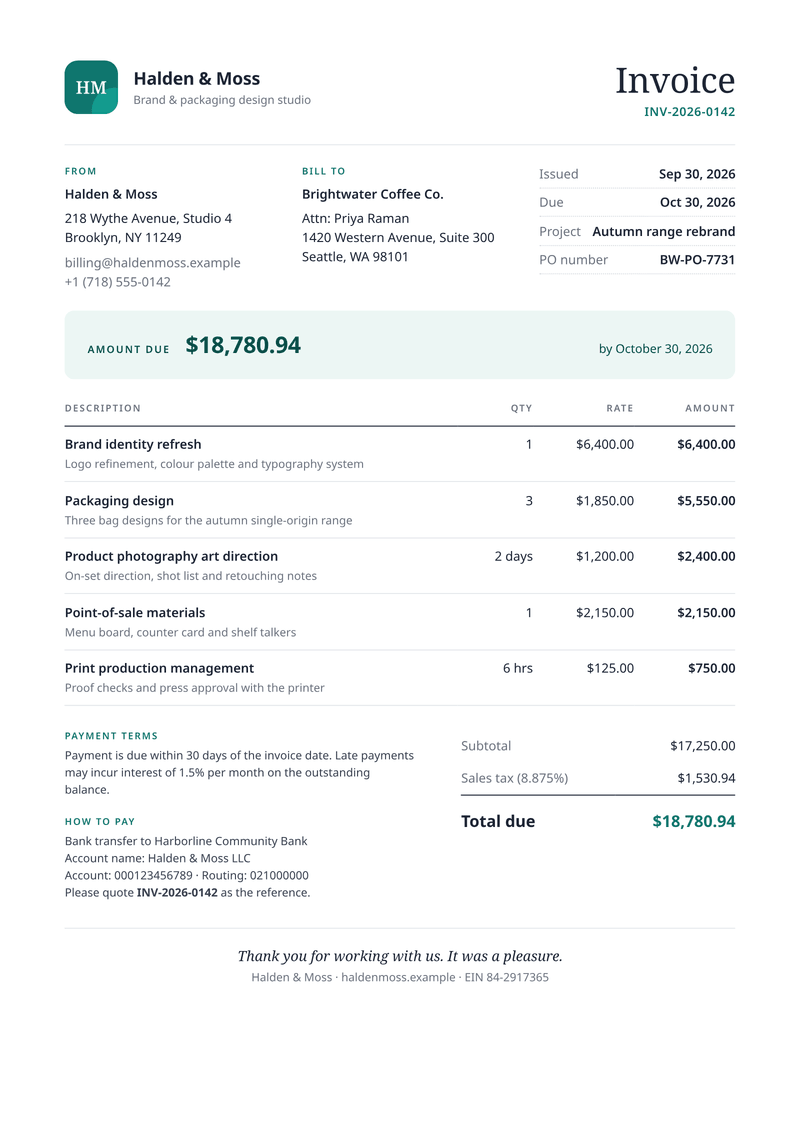
Invoice
Get paid faster: discounts, VAT per line and totals worked out for you. - Billing · A4, portrait
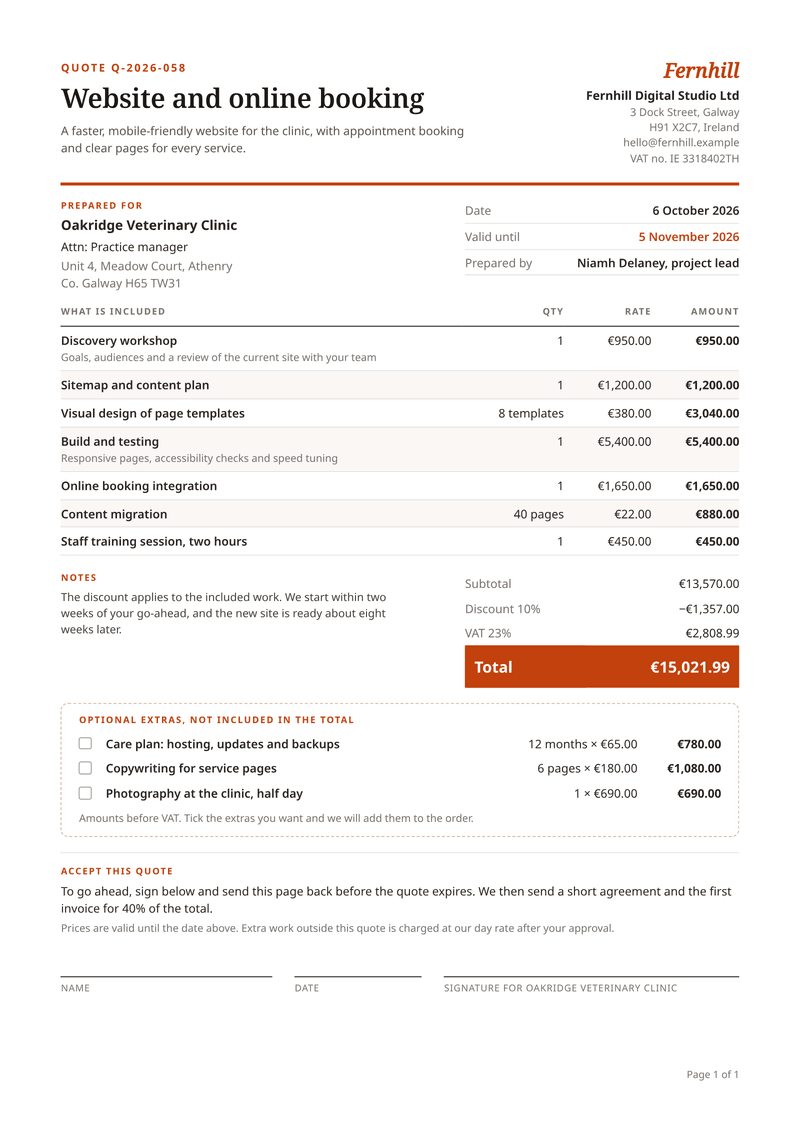
Quote
Price the job, list the extras, let the client sign. - Shipping · A4, portrait
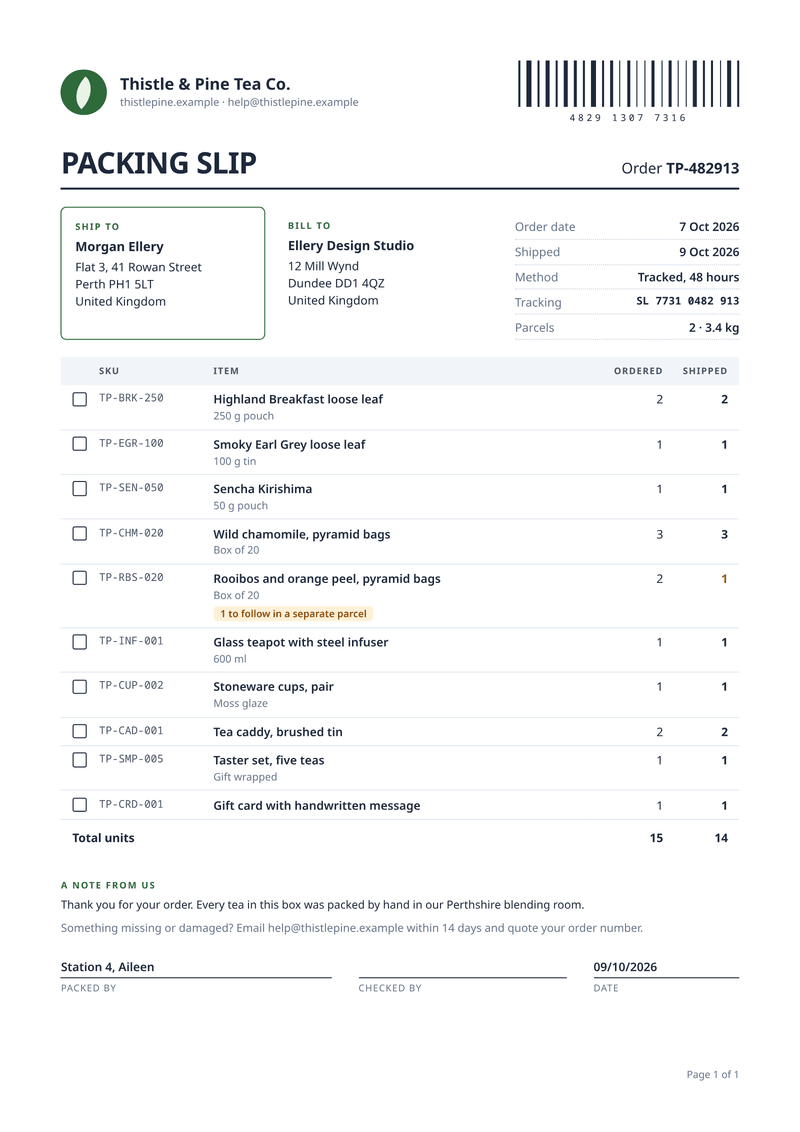
Packing slip
What is in the box: SKUs, quantities and tick boxes.