What is inside the delivery note template
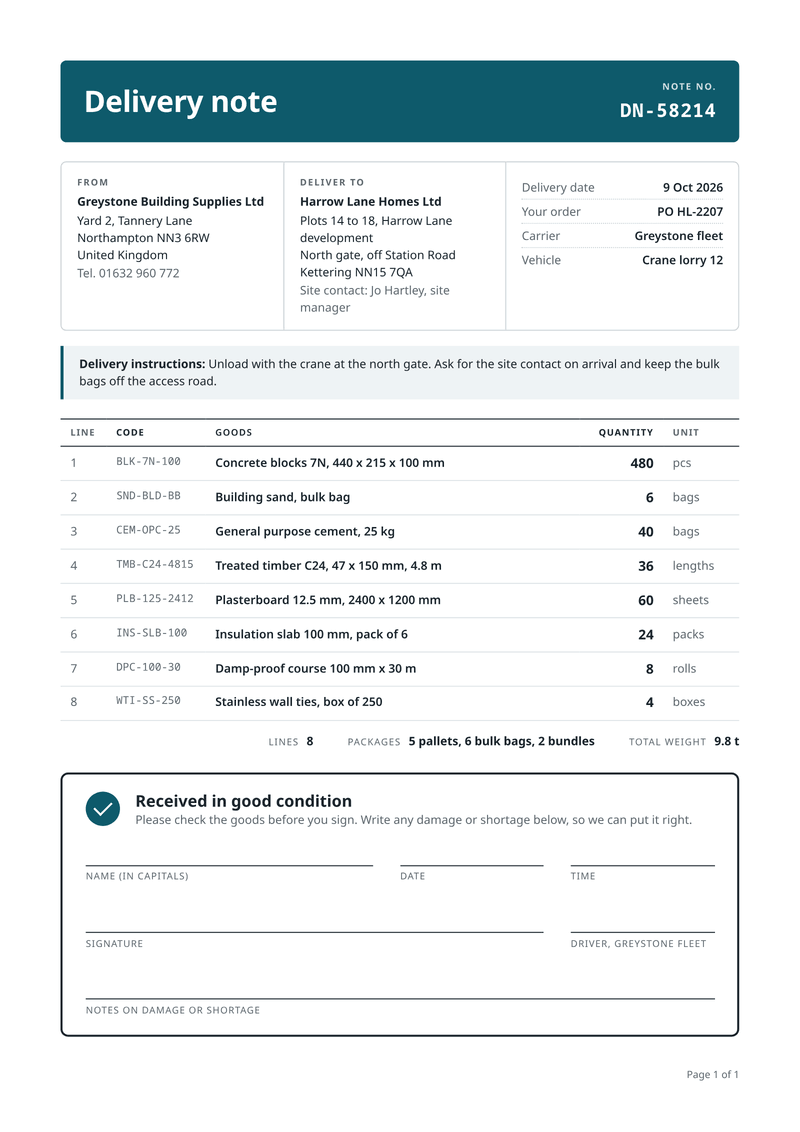
- Header band. The title and the note number in large type, easy to find in a pile.
- From, to and details. Supplier, delivery site with contact, then date, order, carrier and vehicle.
- Instructions. Access or unloading notes on a highlighted line.
- Goods. Line number, code, description, quantity and unit.
- Load summary. The number of lines, the packages and the total weight.
- Received in good condition. Name, date, time, signature, driver and notes lines.
What this delivery note template is for
Use it when your own vans or a carrier take goods to a customer or a site. Builders’ merchants, wholesalers, caterers and hire firms all work this way. The driver hands over the note and takes a signed copy back.
The note shows who sent the goods, where they go, the site contact and any delivery instructions. The goods table lists a code, a description, a quantity and a unit for each line. There are no prices.
The signature block is large on purpose. A name in capitals, the date, the time and a signature fit easily, with room for notes on damage or shortage.
What a good delivery note includes
- A delivery note number and the customer’s order reference.
- The supplier and the full delivery address, with a site contact.
- The delivery date, the carrier and the vehicle.
- Each item with a quantity and a unit, such as bags or sheets.
- The number of packages and the total weight.
- Space to sign for the goods and to note any problem.
The fields it fills
Each field fills one part of your delivery note. Send new details and the delivery note keeps its design. Leave out an optional field and its line simply disappears.
| Field | What it fills |
|---|---|
| General | |
locale | How numbers and dates are written, such as en-GB. |
| Supplier | |
supplier.name | Your business name (your brand settings win). |
supplier.address | Your address, one line per line. |
supplier.phone | Your phone number (optional). |
| Customer | |
customer.name | The customer’s name. |
customer.site | The delivery address or site, one line per line. |
customer.contact | Who to ask for on arrival (optional). |
| Delivery | |
delivery.number | The delivery note number. |
delivery.date | The delivery date. |
delivery.order_ref | The customer’s order number. |
delivery.carrier | Who carries the goods. |
delivery.vehicle | The vehicle or route. |
delivery.instructions | Access or unloading notes (optional). |
delivery.packages | How the load is packed, such as 5 pallets. |
delivery.weight | The total weight. |
delivery.received_text | The line under "Received in good condition". |
| Items | |
items[].code | Your product code. |
items[].description | What is delivered. |
items[].quantity | How many. |
items[].unit | The unit, such as bags, sheets or rolls. |
Make it automatically
Use the template in the dashboard once, then let your systems fill it. Every way below uses the same template, so a change to the design shows up everywhere.
From your app, with the API
One request per delivery note: the template id and your data in, the finished PDF out. Add deliver.email and CastPDF emails it too. The PDF endpoint.
From a spreadsheet
Upload a CSV or XLSX file with one row per delivery. One batch makes every PDF and hands them back in one ZIP. PDFs from a spreadsheet.
In a no-code workflow
- CastPDF node for n8nAvailable
- Zapier appIn review
- Make appIn review
- Any tool that can send a web request
One request from your app
Copy the template id from the editor and save it with your data in request.json. Then send the file. The reply is the finished PDF.
curl https://api.castpdf.com/v1/pdf \
  -H "Authorization: Bearer $CASTPDF_API_KEY" \
  -H "Content-Type: application/json" \
  -d @request.json \
  --output delivery-note.pdf
import { readFile, writeFile } from 'node:fs/promises';
const res = await fetch('https://api.castpdf.com/v1/pdf', {
method: 'POST',
headers: {
Authorization: `Bearer ${process.env.CASTPDF_API_KEY}`,
'Content-Type': 'application/json',
},
body: await readFile('request.json', 'utf8'),
});
if (!res.ok) throw new Error((await res.json()).error.message);
await writeFile('delivery-note.pdf', Buffer.from(await res.arrayBuffer()));import json, os
import requests
with open("request.json") as f:
body = json.load(f)
res = requests.post(
"https://api.castpdf.com/v1/pdf",
headers={"Authorization": f"Bearer {os.environ['CASTPDF_API_KEY']}"},
json=body,
timeout=60,
)
res.raise_for_status()
with open("delivery-note.pdf", "wb") as f:
f.write(res.content){
"template_id": "YOUR_TEMPLATE_ID",
"data": {
"locale": "en-GB",
"supplier": {
"name": "Greystone Building Supplies Ltd",
"address": "Yard 2, Tannery Lane\nNorthampton NN3 6RW\nUnited Kingdom",
"phone": "01632 960 772"
},
"customer": {
"name": "Harrow Lane Homes Ltd",
"site": "Plots 14 to 18, Harrow Lane development\nNorth gate, off Station Road\nKettering NN15 7QA",
"contact": "Site contact: Jo Hartley, site manager"
},
"delivery": {
"number": "DN-58214",
"date": "2026-10-09",
"order_ref": "PO HL-2207",
"carrier": "Greystone fleet",
"vehicle": "Crane lorry 12",
"instructions": "Unload with the crane at the north gate. Ask for the site contact on arrival and keep the bulk bags off the access road.",
"packages": "5 pallets, 6 bulk bags, 2 bundles",
"weight": "9.8 t",
"received_text": "Please check the goods before you sign. Write any damage or shortage below, so we can put it right."
},
"items": [
{
"code": "BLK-7N-100",
"description": "Concrete blocks 7N, 440 x 215 x 100 mm",
"quantity": 480,
"unit": "pcs"
},
{
"code": "SND-BLD-BB",
"description": "Building sand, bulk bag",
"quantity": 6,
"unit": "bags"
},
{
"code": "CEM-OPC-25",
"description": "General purpose cement, 25 kg",
"quantity": 40,
"unit": "bags"
},
{
"code": "TMB-C24-4815",
"description": "Treated timber C24, 47 x 150 mm, 4.8 m",
"quantity": 36,
"unit": "lengths"
},
{
"code": "PLB-125-2412",
"description": "Plasterboard 12.5 mm, 2400 x 1200 mm",
"quantity": 60,
"unit": "sheets"
},
{
"code": "INS-SLB-100",
"description": "Insulation slab 100 mm, pack of 6",
"quantity": 24,
"unit": "packs"
},
{
"code": "DPC-100-30",
"description": "Damp-proof course 100 mm x 30 m",
"quantity": 8,
"unit": "rolls"
},
{
"code": "WTI-SS-250",
"description": "Stainless wall ties, box of 250",
"quantity": 4,
"unit": "boxes"
}
]
}
}New to the API? The quickstart gets you from a free key to your first PDF in about five minutes.
Make one without code
- Sign up free. You do not need a card. "Use this template" opens the editor with this template ready.
- Open the delivery note template. Put your own details into the delivery note’s sample data, and change the words and colours.
- Check the preview. It updates as you type and is free. Every page carries a small “Preview” label.
- Generate the PDF. Verify your email and press Generate PDF for a clean copy. It counts as one PDF on your plan.
Make it yours
- Print two copies: one stays on site, the signed one comes back to the office.
- Use the instructions line for access details, such as a gate or a crane.
- Change the units to match your trade: pallets, boxes, metres.
- No special instructions? Leave the field empty and the box goes away.
- Every save is a new version, and your last 50 versions are kept.
A signature block made for real deliveries
Delivery notes get signed on tailgates, in the rain, with gloves on. Tiny boxes do not work there.
This template gives each field a long line. Name and signature sit apart from the date and time. The driver signs too, and a full-width line holds notes on damage or shortage, so any dispute starts from facts.
Questions about delivery note templates
What is a delivery note?
What is the difference between a delivery note and a packing slip?
Does a delivery note need a signature?
What if goods arrive damaged?
Can I make delivery notes from my order system?
Can the driver sign on a tablet?
Should a delivery note show prices?
More templates
- Shipping · A4, portrait
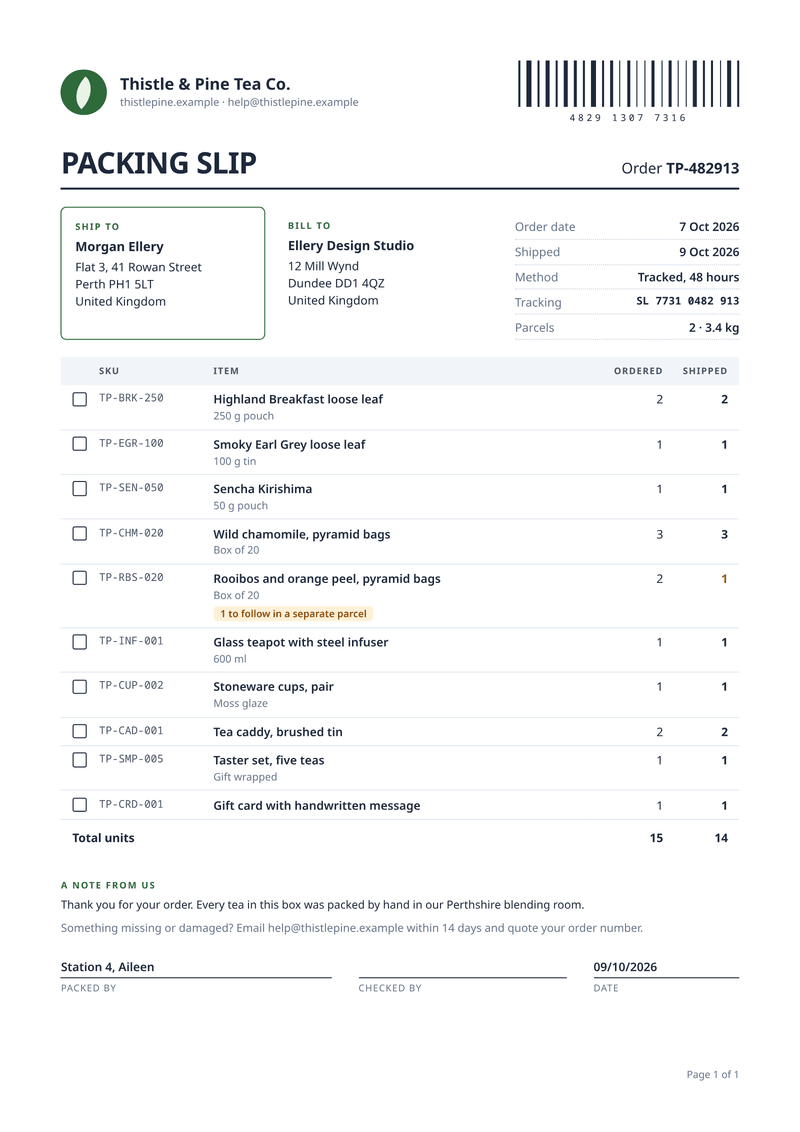
Packing slip
What is in the box: SKUs, quantities and tick boxes. - Billing · A4, portrait
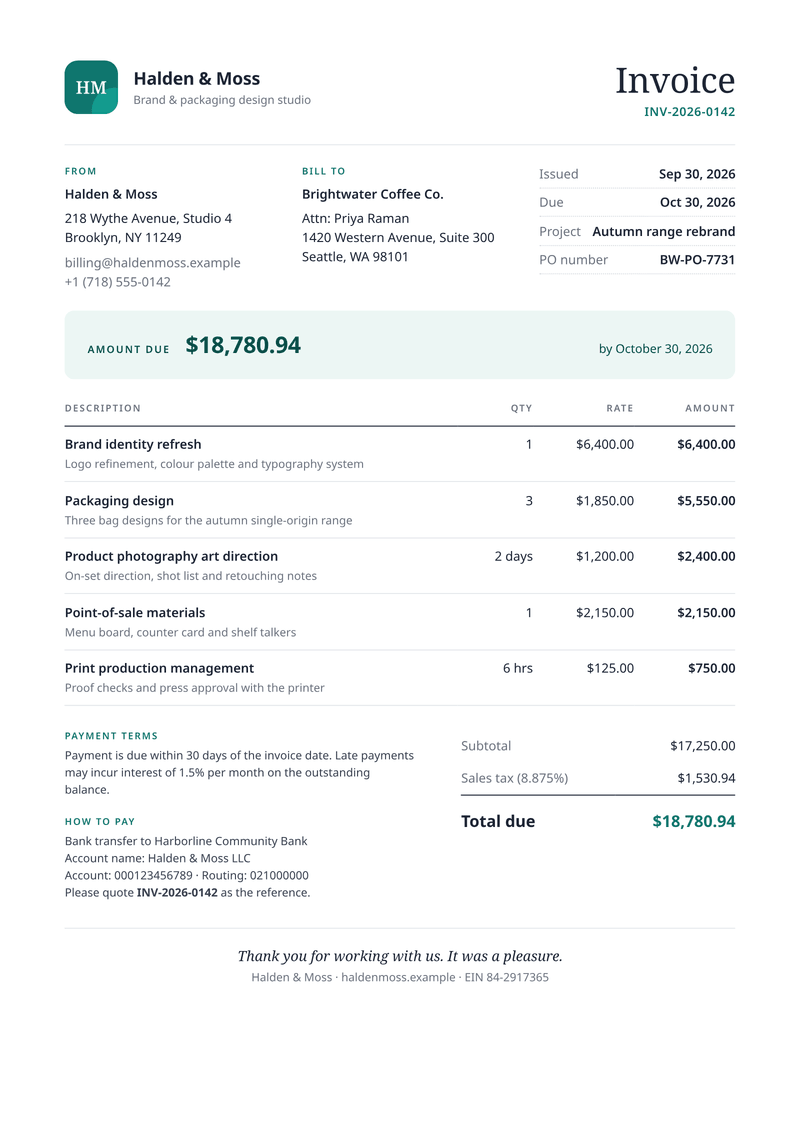
Invoice
Get paid faster: discounts, VAT per line and totals worked out for you. - Business · A4, portrait
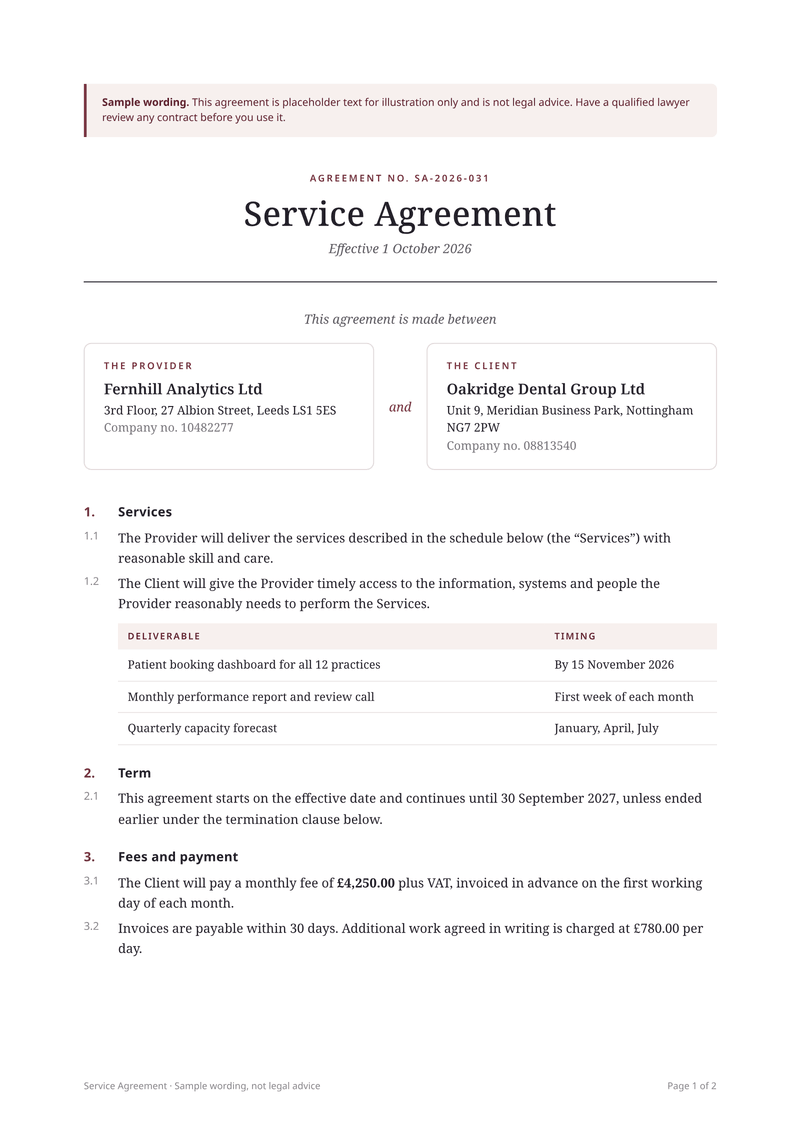
Service agreement
Your own agreement, filled in for each client, ready to sign.